De-Burger: AI-Powered Debugging
AI-powered debugging assistant that helps developers understand and fix code issues using AI.
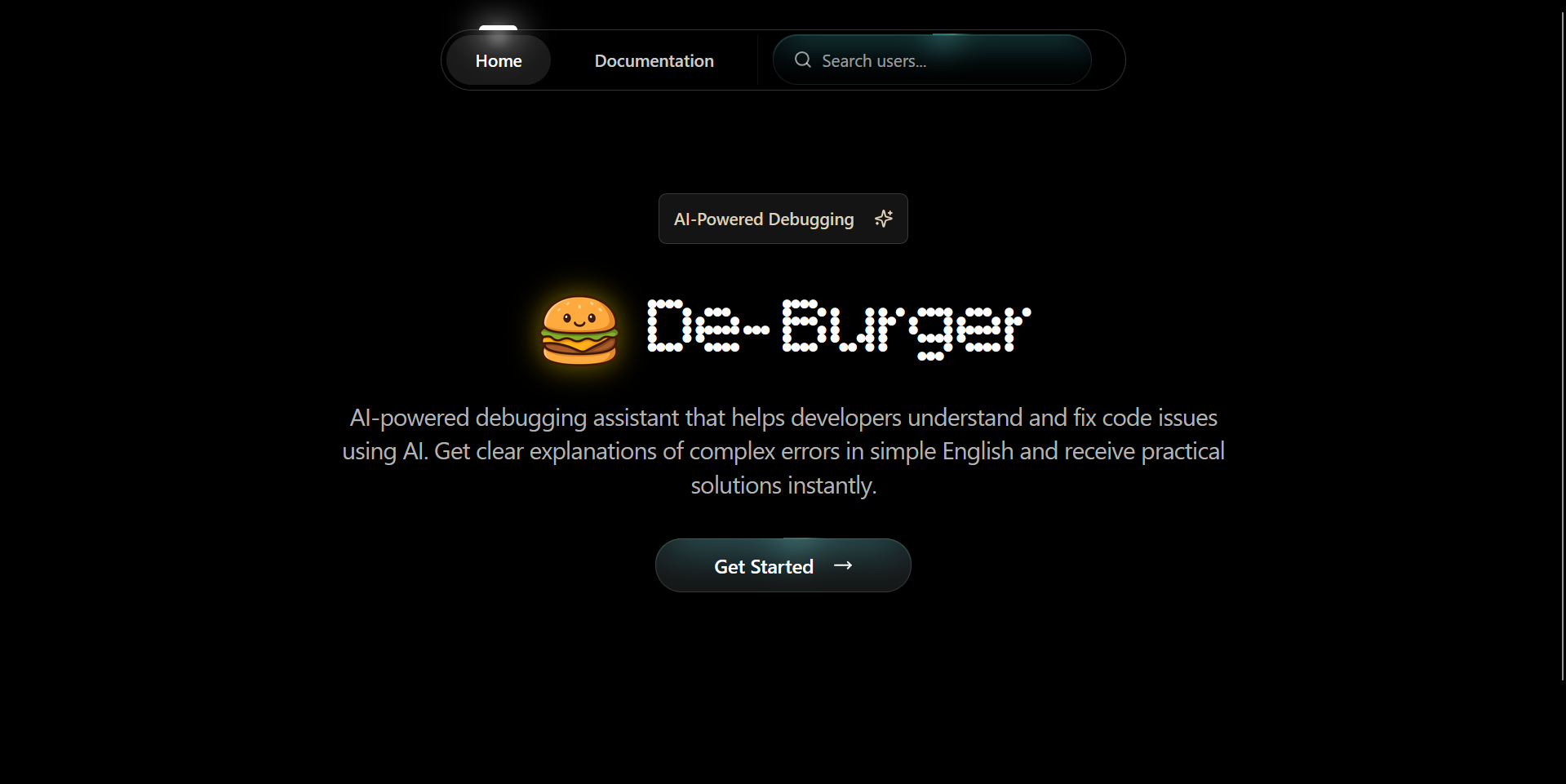
AI-powered debugging assistant that helps developers understand and fix code issues using AI. Get clear explanations of complex errors in simple English and receive practical solutions instantly.
Features
- AI Code Debugger:: Get instant code analysis and debugging help powered by AI — explained in simple English.
- Smart Error Explanation:: Paste your error messages and get clear explanations of what went wrong and how to fix it.
- Community Support:: Connect with experienced developers and share your debugging challenges with the community.
- Instant Solutions:: Receive practical solutions instantly to fix your code issues.
- Multi-AI Support:: Powered by both OpenAI and Google Gemini APIs for diverse and accurate responses.
How It Works
- Paste Your Code:: Drop your buggy code or error message into the input area.
- AI Analysis:: The AI analyzes your code, identifies issues, and generates a clear explanation.
- Get Solutions:: Receive practical fixes with explanations in plain English — no jargon.
Tech Stack
- Frontend:: React with TypeScript and TailwindCSS for a responsive, modern UI.
- Backend:: Node.js server handling API requests and AI model orchestration.
- Database:: PostgreSQL for storing community discussions and user data.
- AI Models:: OpenAI API and Google Gemini APIs for intelligent code analysis.
- Documentation:: Separate doc site built with HTML/CSS/JS, hosted on GitHub Pages.
How to Use DeBurger
- Visit the App:: Go to deburger.omnarkhede.tech and click "Get Started."
- Paste Your Code or Error:: Copy the buggy code snippet or the error message you're struggling with and paste it into the input area.
- Select AI Model:: Choose between OpenAI or Google Gemini for the analysis — each model has different strengths for different types of errors.
- Get Explanation:: The AI breaks down what went wrong in plain English. No cryptic jargon — just clear, human-readable explanations of the root cause.
- Apply the Fix:: Each response includes practical code solutions you can copy and apply directly to your codebase.
- Community Help:: For complex issues, post your debugging challenge to the community section where experienced developers can weigh in.
How I Built It
The idea for DeBurger came from my own frustration with cryptic error messages. Stack traces and compiler errors can be intimidating, especially for beginners. I wanted to build something that translates those into plain English.
The frontend is React with TypeScript, styled with TailwindCSS. I focused on making the UI as simple as possible — a single input area, a submit button, and a clean output panel. No unnecessary complexity.
On the backend, I built a Node.js server that acts as an orchestration layer between the frontend and multiple AI providers. When a user submits code, the server formats a carefully engineered prompt that instructs the AI to: identify the bug, explain why it happens, and provide a working fix with explanation.
I integrated both OpenAI and Google Gemini APIs to give users options. OpenAI tends to be better for general-purpose debugging, while Gemini sometimes catches nuances in specific frameworks. The backend handles API key management, rate limiting, and response formatting.
PostgreSQL stores user data and community discussions. I also built a separate documentation site (hosted on GitHub Pages via the docDeBurger repo) using plain HTML/CSS/JS to keep the docs lightweight and fast.
DeBurger simplifies the debugging process, making it easier for developers of all levels to maintain high-quality code.